Client:

The challenge
The challenge
The solution
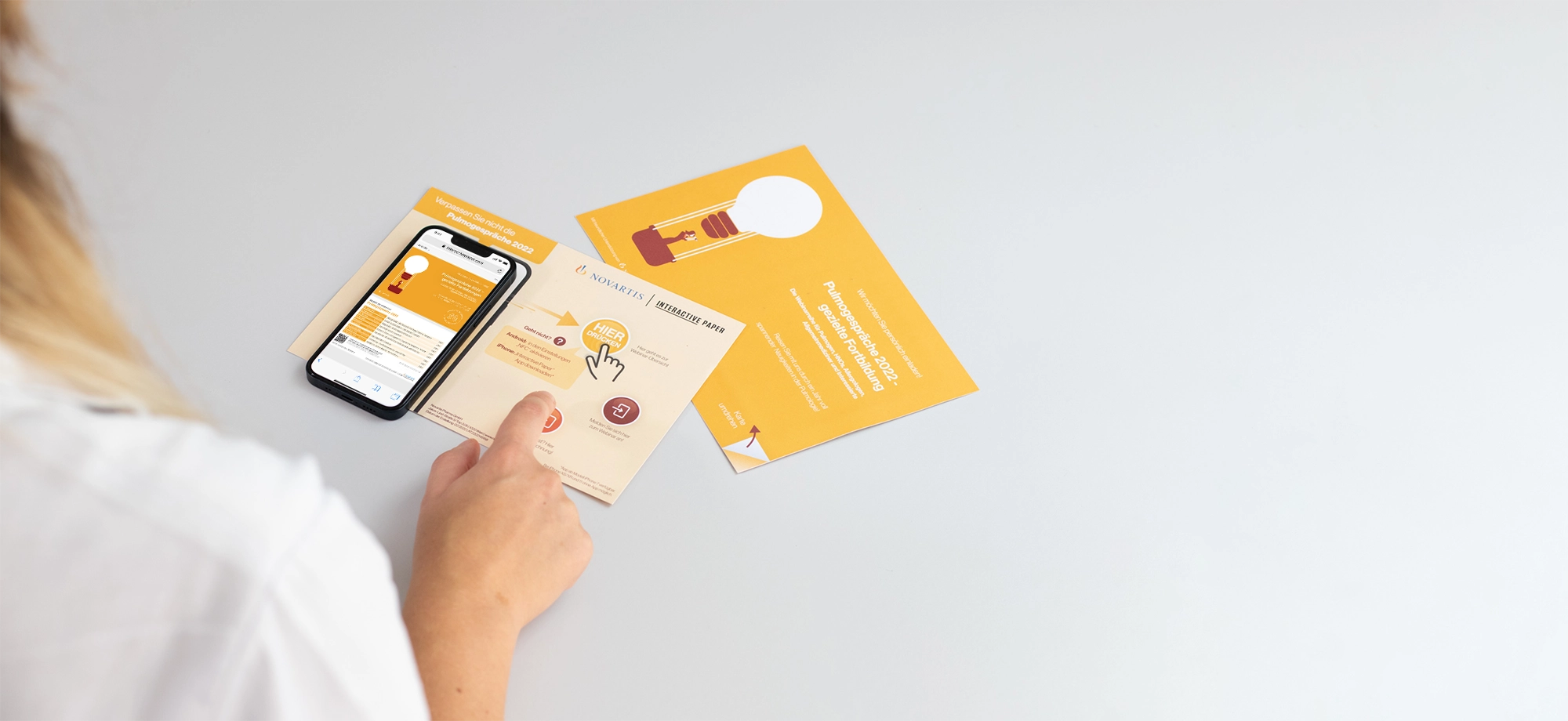
The paper

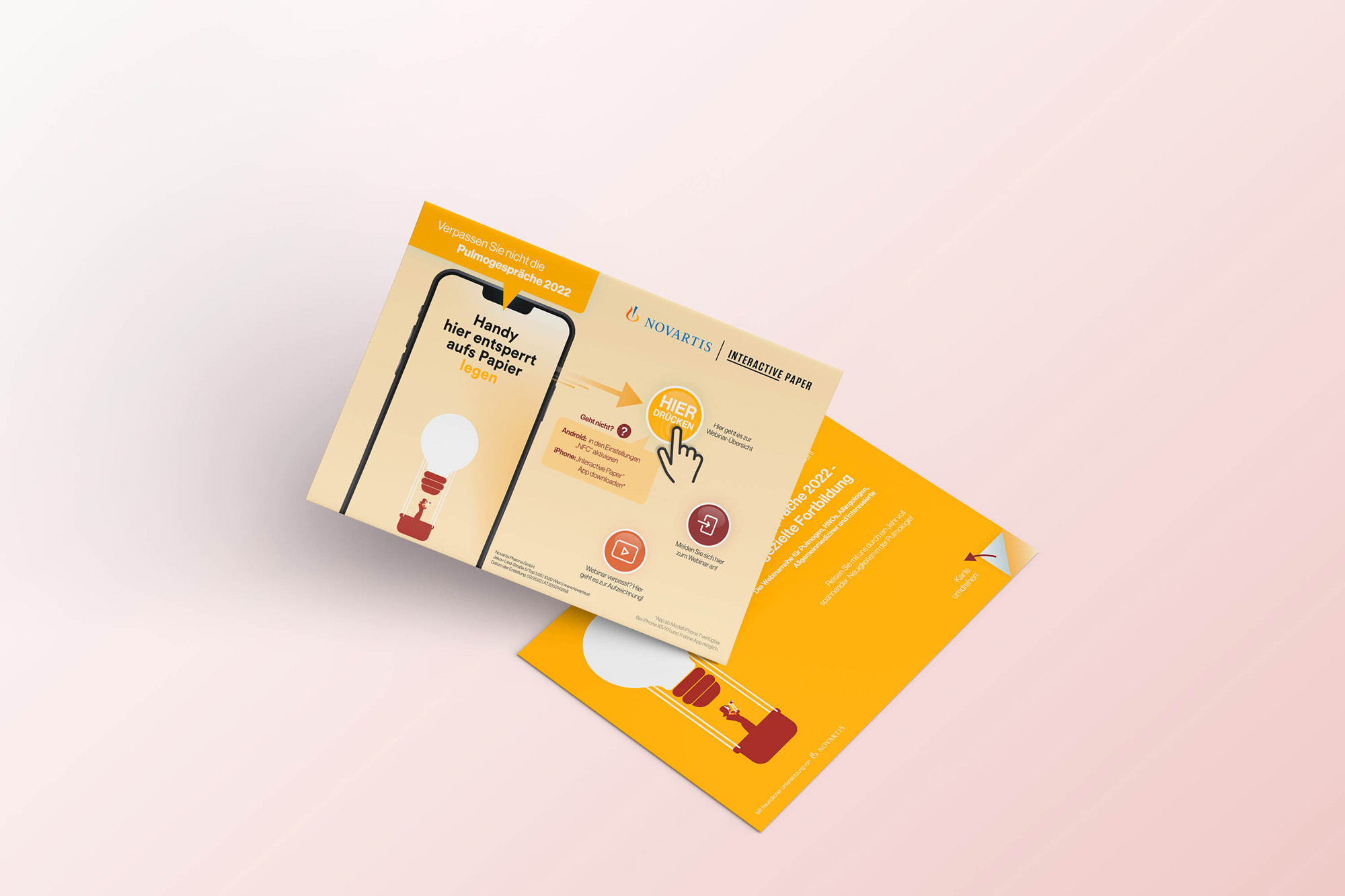
Button 1
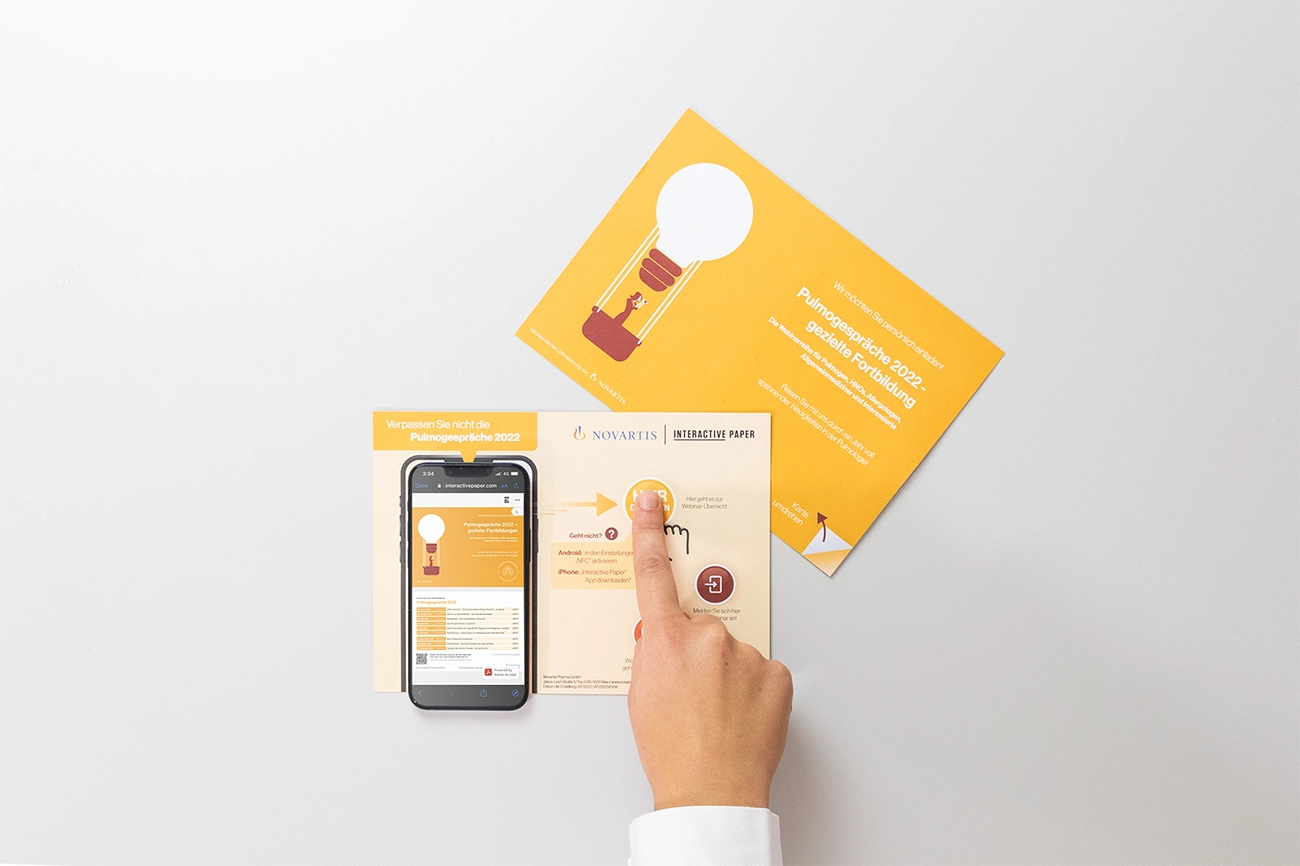
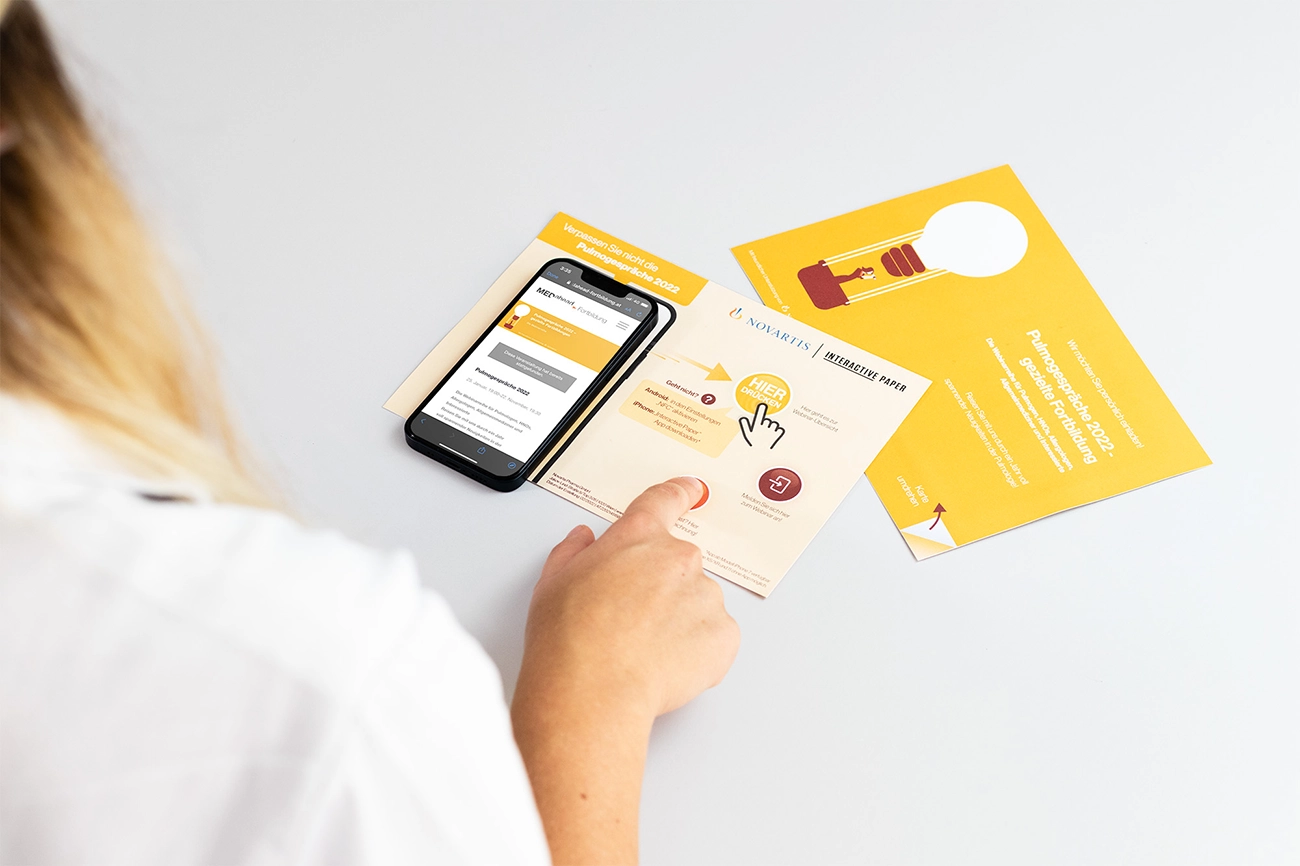
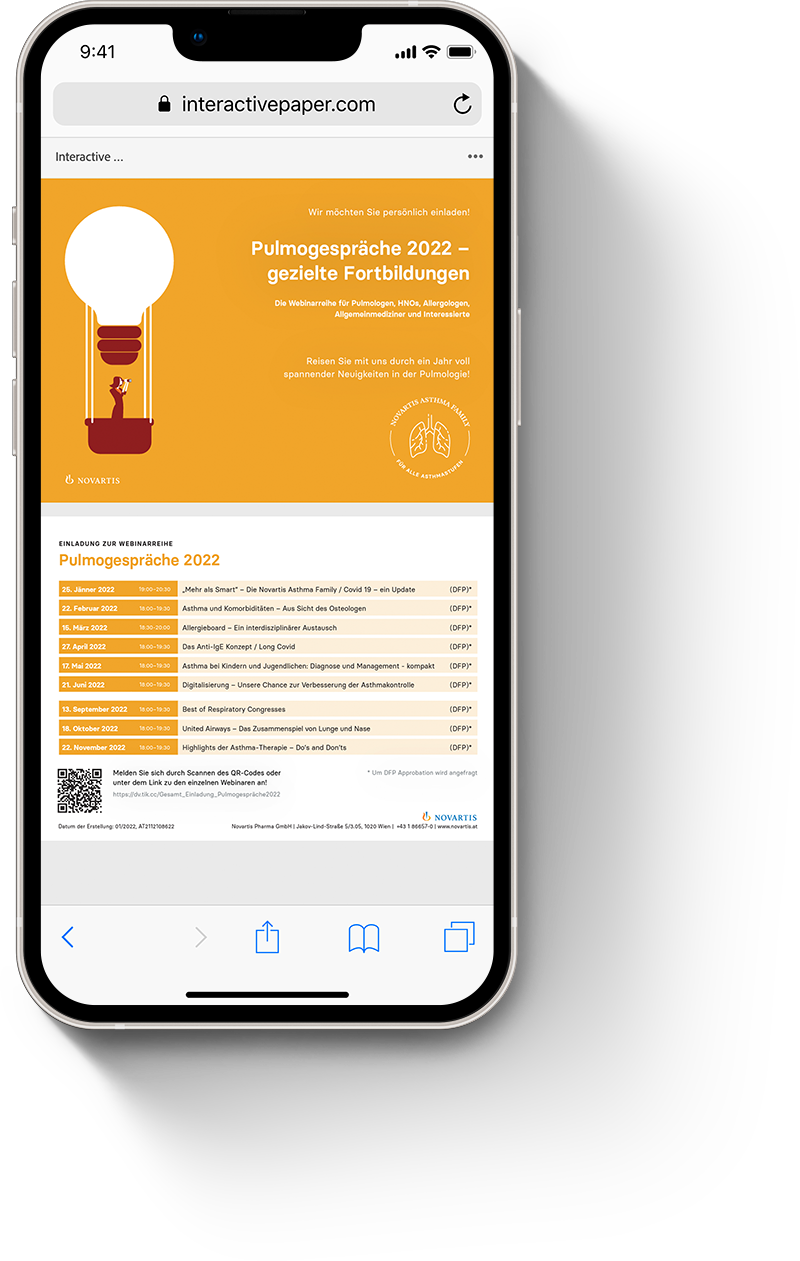
By clicking the first button, doctors could read the webinar series program in detail and create their own personalised agenda.

Button 2
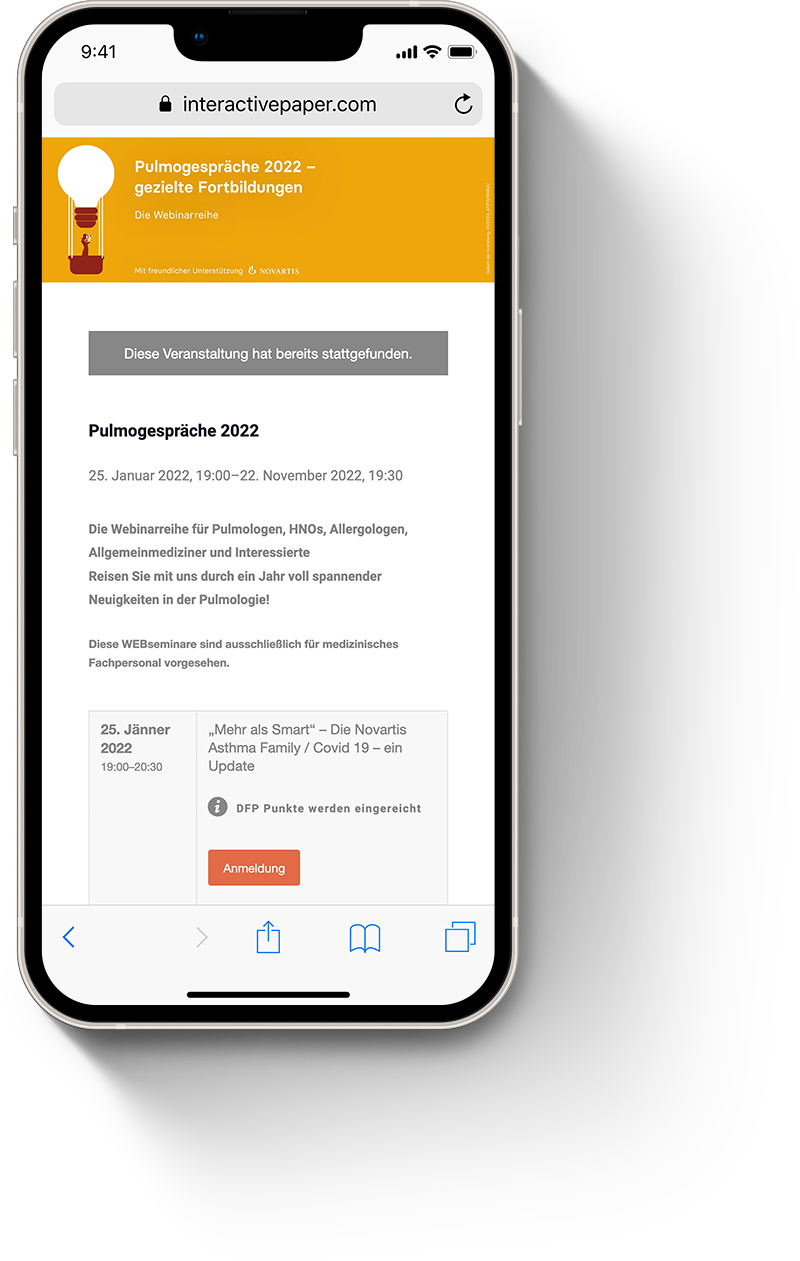
There was no need to switch from the Interactive Paper to a laptop and scroll through the whole website again - just one click on the second button, and doctors could register for the webinars of their interest directly on their phones.

Button 3
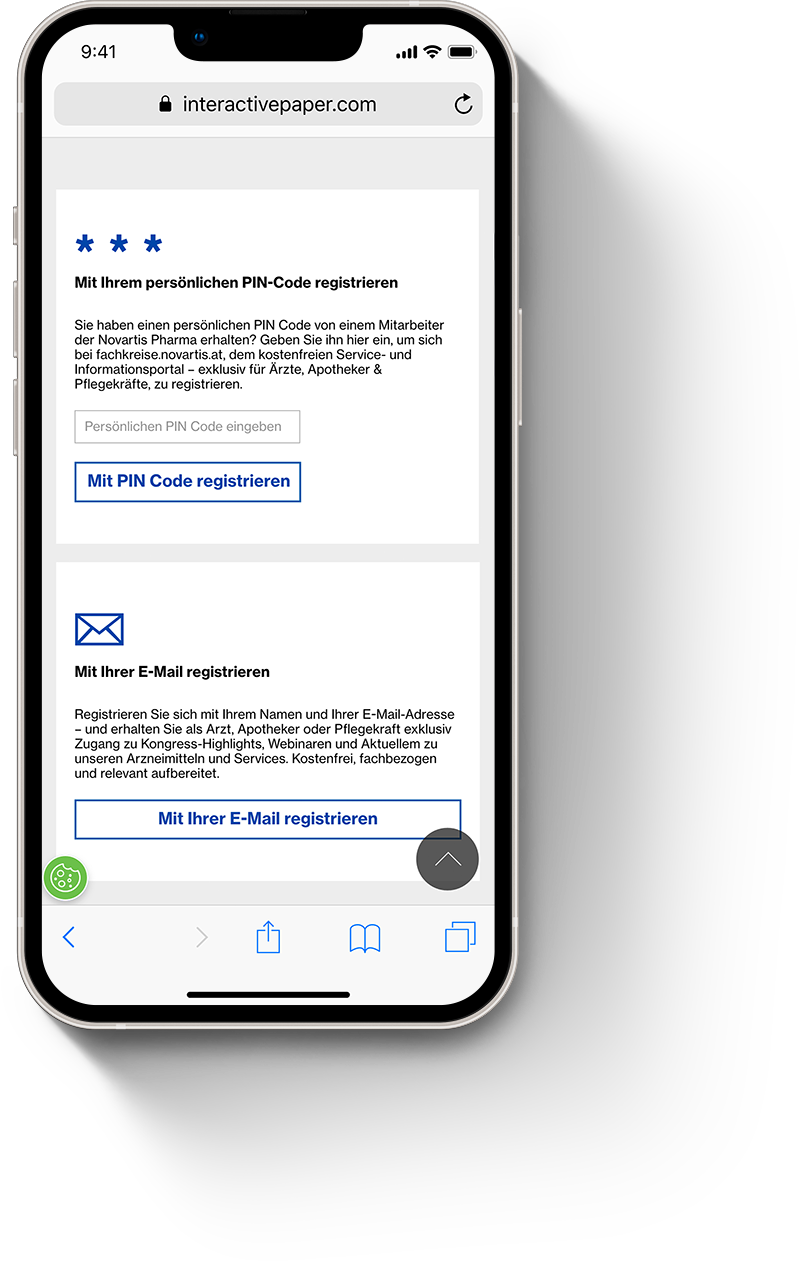
Healthcare professionals are always quite busy. Knowing that, Novartis uploaded the whole program to the third button after the event (yes, with Interactive Paper you can change and modify the content of the buttons anytime) for those who missed the webinar or just wanted to watch it once again.
The success